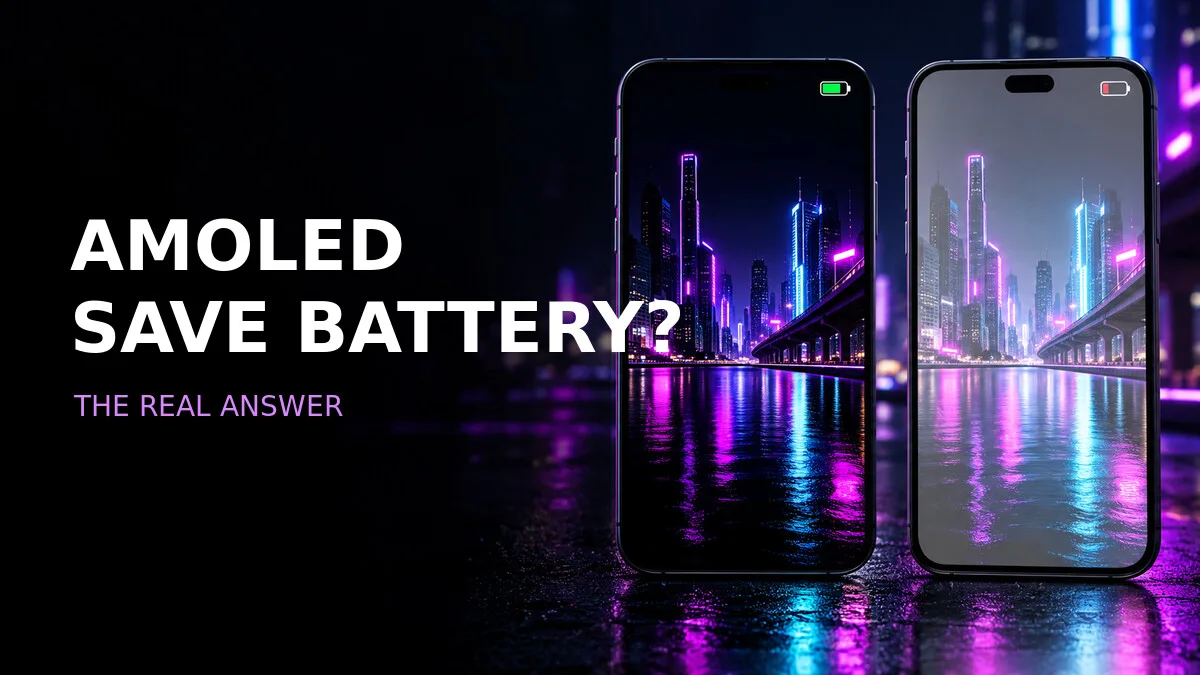
"Just use a black wallpaper and your battery will last longer." You've probably heard that one. It's the kind of tip that sounds too neat to be true — and like most neat tips, it's true-ish. It works, but only on certain screens, only under certain conditions, and usually not as much as the people repeating it think.
So let's sort out what's real, what's exaggerated, and how to pick a dark wallpaper that actually looks good instead of just being a black rectangle.
The short answer
A mostly black wallpaper can use less display power on a phone with an OLED or AMOLED screen. On these displays, individual pixels create their own light, and a fully black pixel can switch off. The saving is usually modest and depends on screen brightness and how long the wallpaper is visible.
That last clause is the one that deflates most of the hype. Your wallpaper is only on screen when you're looking at your home screen or lock screen — which, for most people, is seconds at a time between doing other things. The display power you save during those seconds is real, but it's a small slice of your total battery use. Apps, radios, and screen-on time inside apps dominate the picture. A black wallpaper is a garnish on battery life, not a main course.
Still, garnish is garnish. If you like dark wallpapers anyway, the saving is free. It just shouldn't be the reason you switch.
AMOLED versus LCD — this is where the tip lives or dies
LCD screens use a backlight behind the whole panel, so a black wallpaper does not switch off individual pixels. The backlight is on whether the screen shows black or white — the liquid crystals just block the light where the image is dark, and blocking light still costs power. On an LCD phone, a black wallpaper saves you essentially nothing.
OLED and AMOLED screens light each pixel separately, which is why true black areas can use less energy. A pixel showing pure black is a pixel that's off. A pixel showing dark grey is a pixel that's on, dimly. That distinction — black versus dark grey — is the entire game, and it's where most "black" wallpapers fail.
How do you know which screen you have? Most flagship and mid-range Android phones from the last several years use OLED/AMOLED — Samsung's Galaxy S and A series, Google's Pixels, OnePlus, and most others. iPhones from the X onward (with a few exceptions like the XR and 11) use OLED too. Budget phones are more likely to use LCD. If you're unsure, check your phone's specs page — the display type is listed there. Don't assume, because the whole tip depends on it.
Choose true black, not almost-black
A dark grey image still lights pixels. For the strongest effect, use a wallpaper with large areas of RGB black — that's hex #000000, pure black — and smaller neon or coloured details. This also makes app icons easy to recognise, since they pop against the black instead of blending into a textured background.
Here's how to spot a fake "black" wallpaper: open it in your gallery, turn your brightness up, and look at the dark areas. If they're charcoal, navy, or dark grey, the pixels are still on. A true-black wallpaper's dark areas should look indistinguishable from the phone's bezel — the screen just disappears into the frame. Many wallpapers labelled "black" or "AMOLED" are actually dark grey gradients, which look moody but don't deliver the power saving.
Also, watch out for screenshots of black wallpapers. A screenshot re-compresses the image, and compression can lift pure black into very dark grey. Download the original file, not a screenshot of it, or you'll lose the exact property you downloaded it for.
Battery tips that matter more than the wallpaper
If battery life is the actual goal, these will move the needle far more than any wallpaper:
- **Lower screen brightness when comfortable.** Brightness is the single biggest display power lever. A black wallpaper at full brightness can use more power than a colourful one at half brightness.
- **Use dark mode in frequently opened apps.** Dark mode in the apps you actually stare at — messaging, browser, social feeds — keeps large areas of the screen black for minutes or hours, not just the seconds your wallpaper is visible. This is where the real saving lives.
- **Shorten the screen timeout.** A screen that turns off after 30 seconds instead of 2 minutes saves far more than any wallpaper choice, because the biggest battery cost is the screen being on at all.
- **Avoid animated wallpapers if battery life is the priority.** Live wallpapers keep the GPU working and the screen redrawing, which quietly eats power all day.
- **Check your phone display type before expecting a benefit.** On LCD, none of the above display tricks involving black pixels apply — but brightness and screen timeout still do.
Design matters too
A good AMOLED wallpaper is not simply an empty black screen. An all-black rectangle is technically optimal for battery and also completely boring — and you'll replace it within a week.
Look for controlled highlights, a centred focal point, and enough calm space for icons and the clock. A neon outline, a single glowing shape, a thin crescent, a minimalist mountain line — one strong element on a true-black field reads as deliberate and premium, while a busy neon collage just looks noisy. The black should feel like a design choice, not like the image failed to load.
Colour choice matters as well. Pure saturated accents — electric blue, hot red, acid green — look electric against true black and stay readable. Muted, muddy colours disappear. If the accent is the point of the wallpaper, let it be vivid.
Choose a monochrome design
Our manga wallpaper ideas explain why black-and-white artwork is not always a true-black AMOLED background. A greyscale manga panel might look monochrome, but if its "blacks" are really dark greys and its whites cover half the screen, it's not doing what a true-black wallpaper does. Check the actual image, not the label.