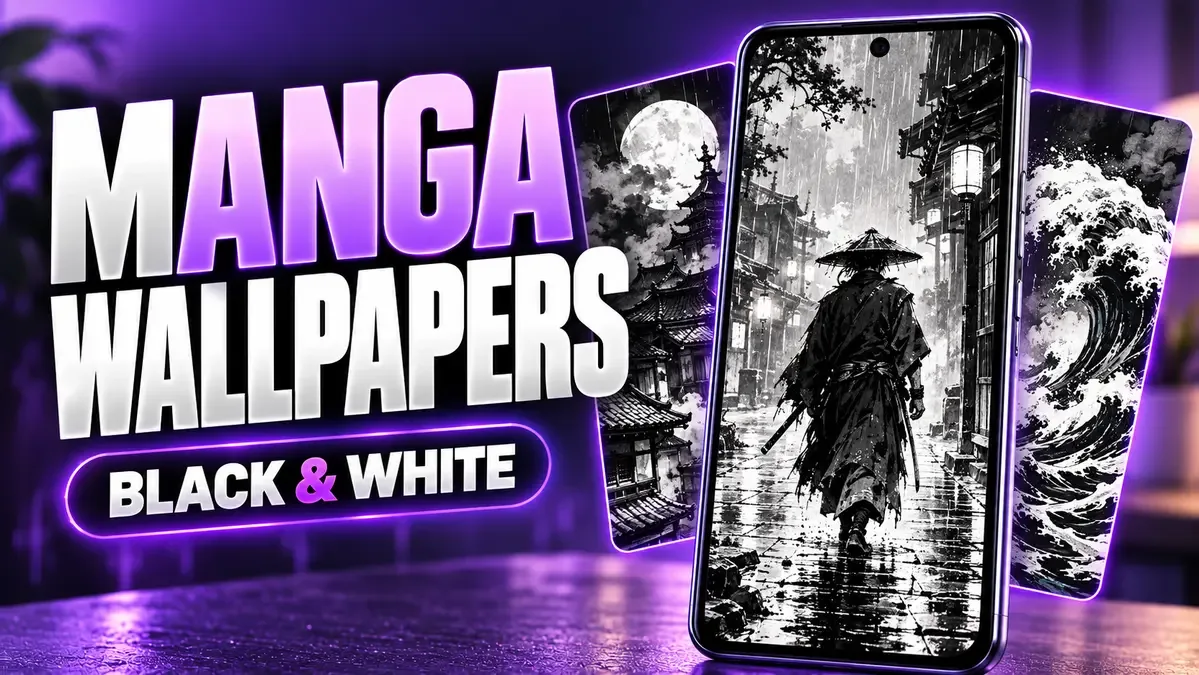
Colour is loud. Take it away, and what's left is line, silhouette, and empty space — which is exactly why a black and white manga wallpaper can make a phone look sharper than any neon anime scene.
But monochrome has a trap of its own: without colour to separate things, a busy ink drawing can swallow your clock and icons whole. The question with these wallpapers isn't "does it look dramatic?" — it's "can I still read my phone over it?"
Everything below is an original AI-assisted manga-inspired illustration — not scans of published manga pages, not official franchise artwork. The files are 768 × 1376 pixels, so check the detail page before downloading, and don't read an HD label as a promise of 4K.
Ten to start with
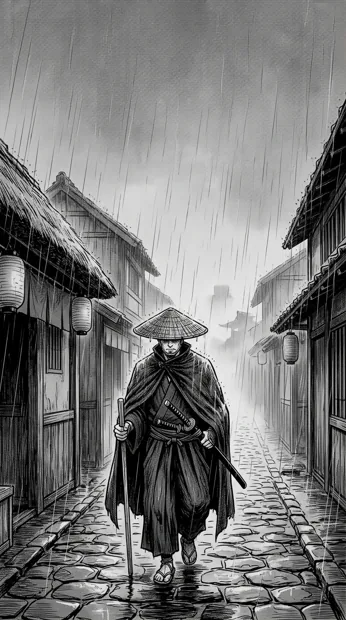
1. Rainy Samurai Ink
A rainy samurai, strong human silhouette. When you crop, protect the umbrella or figure outline — and keep the clock off the detailed rain lines, which are exactly dense enough to eat white text. Preview and download.
2. Moon City Rooftops
Layered city atmosphere. Pick a crop with a quiet patch of sky above the buildings — that's where your clock goes. Preview and download.
3. Windblown Traveler
All about movement. Leave room in the direction the coat or hair is flowing, or the composition feels chopped off mid-gesture. Preview and download.
4. Dragon Ink Spiral
The boldest one here, by a distance. Let it own the Lock screen — but give your Home screen something simpler, or your app labels will drown in the swirl. Preview and download.
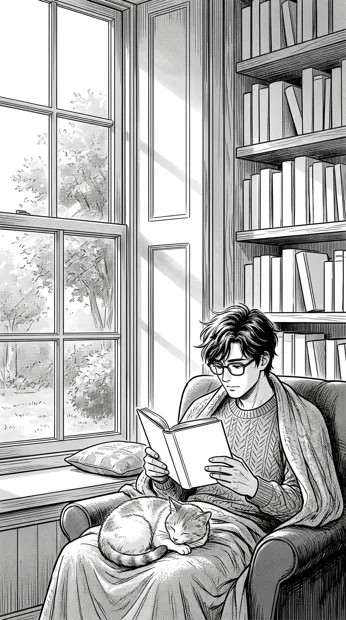
5. Quiet Reading Window
Calm phone setup, calm image. Keep the window frame inside the crop if you can — it's what gives the picture its structure. Preview and download.
6. Mountain Temple Ink
Depth without a close-up face. Keep the path visible — without it, the sense of distance collapses. Preview and download.
7. Cyberpunk Rain Ink
Dense, urban, the busiest of the set. It works when your widgets are few and their backgrounds give contrast. If your Home screen is packed with widgets, skip this one. Preview and download.
8. Cat on the Moon Roof
Playful without a single bright colour. The test: is the cat still recognisable at the final screen crop, or did it become a black blob on a roof? Preview and download.
9. Bamboo Training Silhouettes
Action theme, training figures. If it's going on your Home screen, don't let app icons sit across the central figures. Preview and download.
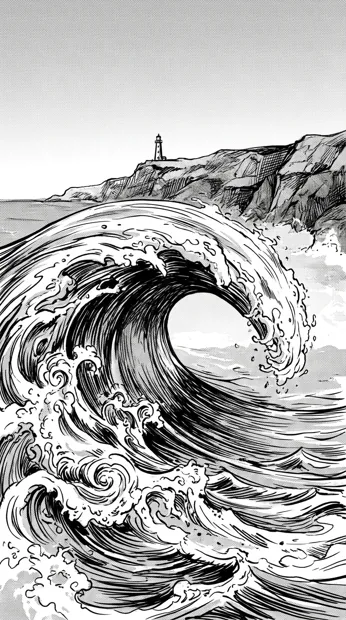
10. Ocean Wave Ink
The background becomes a graphic pattern. Check the foam and white areas behind your clock — black text is often clearer there than white. Preview and download.
Match the line density to the screen
This is the rule that decides whether a manga wallpaper works or not:
- Lock screen, few widgets: you can handle a detailed composition. The dragon, the cyberpunk rain — go for it.
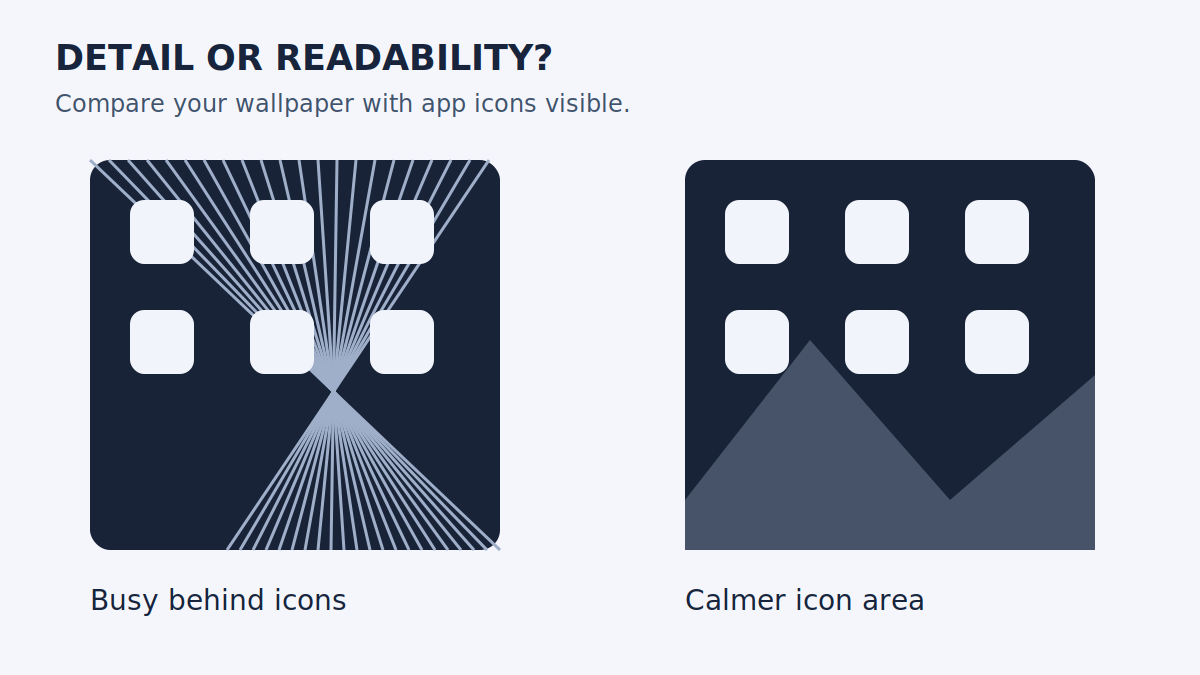
- Home screen, full of icons: broad dark or light areas beat tightly packed hatching. Fine ink lines and small app labels fight each other, and the labels lose.
Before you commit, open a folder and try reading a few app labels over the background. That's the real test — not how the wallpaper looks on its own.
Brightness matters too. A mostly white illustration can feel blinding at night compared with a dark one at the same display setting. Compare two designs under the lighting where you actually use the phone — bedroom at midnight is a very different test from a bright kitchen.
Black and white doesn't mean battery saving
Here's a misconception worth killing: a monochrome image is not automatically an AMOLED-friendly, battery-saving wallpaper. Plenty of black and white art is full of bright white and mid-grey. The art style alone proves nothing about power use.
What matters is how much of the image is *genuinely* dark — true black pixels on an OLED screen. If saving battery is your actual goal, read our AMOLED wallpaper guide and compare how much of each image is truly black, not just grey.
One last test: the pocket test
Before you settle, lock the phone, put it down, and pick it up again in normal light. Can you read the time in under a second? Can you spot the notification icon? That's the test that matters — not how the wallpaper looks in the editor with no clock, no widgets, and no notifications.
If it fails, you don't have to abandon the image. Try a different crop first, or switch the clock colour if your phone allows it. A great drawing with the wrong crop is still a great drawing — it just needs a better frame.
Keep the art and the interface separate
Download the original from its detail page. Don't screenshot a browser preview with buttons and navigation baked in — you'll wallpaper your phone with someone else's UI. In your wallpaper editor, start with no extra zoom and position the subject before saving. If your phone cuts off the edges, our wallpaper crop troubleshooting guide walks through it.
Three things people ask
Do these work on Android and iPhone? They're ordinary JPG images, so they work as photo wallpapers on compatible phones. The exact crop varies with the display and the wallpaper editor.
Are these manga pages? No. Individual illustrations inspired by a monochrome ink look. There's no chapter or series behind the download.
Where are the rest? Browse all Manga wallpapers, or compare the colour-led anime lock screen ideas. Choose by composition first, then check the original dimensions.