If you've ever tried to make a ringtone from a full song, you've probably run into the same question: how much of the song do you actually need? The whole three minutes? The chorus? And what format should you export it in — MP3, WAV, something else?
The answers are simpler than most guides make them. For length, less than you think. For format, MP3, almost always. But the details — where to start the clip, how to make it loop cleanly, what bitrate actually matters on a phone speaker — are what separate a ringtone that sounds professional from one that sounds like an accidental pocket recording.
The practical answer on length
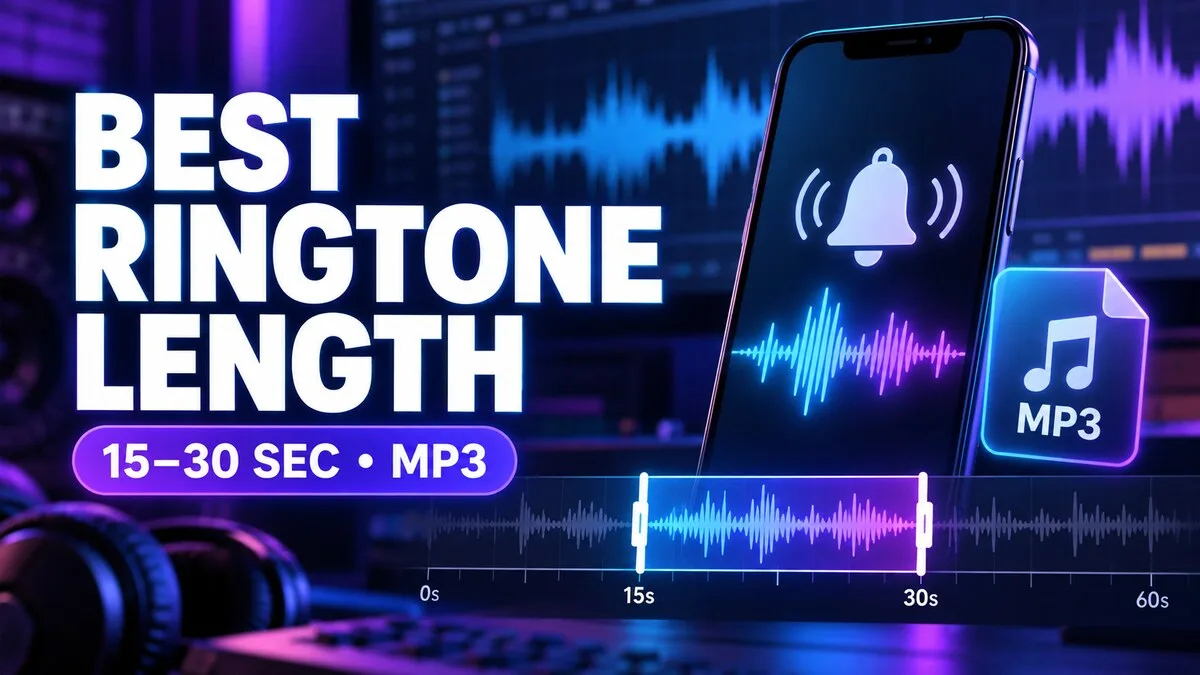
For most calls, a ringtone clip between 15 and 30 seconds works well. It is long enough to establish a melody or spoken phrase but short enough to edit, preview, and loop cleanly. Android can play longer files, yet extra length rarely improves the experience because calls are often answered or dismissed quickly.
Think about it from the caller's side. Your phone rings. You glance at it. You either answer within a few seconds, or you let it ring out. In the first case, you hear maybe five seconds of the ringtone. In the second, you hear the full ring duration — but you're not listening to it as music, you're noticing that your phone is ringing. A three-minute ringtone doesn't give you a better experience than a 20-second one. It just gives you a bigger file.
Put the recognisable moment first
A song may have a slow introduction, but a ringtone should become identifiable within the first second or two. Start at a clear beat, melody, or phrase. Avoid an abrupt cut in the middle of a word. A short fade-in can remove clicks without delaying the useful part.
This is the single biggest difference between a ringtone that works and one that doesn't. A song's intro is designed for someone who's already listening. A ringtone has to grab the attention of someone who isn't — someone in another room, or with the phone in a bag. If your clip starts with four seconds of quiet piano before the melody arrives, those four seconds are wasted. The phone is ringing, and nothing recognisable is happening.
So don't start at the beginning of the song. Start at the hook — the chorus, the distinctive riff, the phrase everyone knows. Cut a second or two before it, add a tiny fade-in so the start isn't a click, and you're done. If someone hears the first second and knows what it is, you've nailed it.
MP3 is the easiest default
MP3 offers broad compatibility and compact files. A 128-to-192 kbps MP3 is usually sufficient for a phone speaker. OGG can also work well on Android, while M4A and WAV support varies by device and app. WAV files are much larger and provide little practical advantage for a short ringtone played through a small speaker.
Bitrate follows the same logic. Below 128 kbps, you may start to hear compression artefacts — a kind of swishy, watery quality on cymbals and bright sounds. Above 192 kbps, the improvements are inaudible on a phone speaker. The 128–192 range is the sweet spot: small files, clean sound, universal compatibility. If someone tells you to export at 320 kbps "for best quality," they're optimising for headphones you aren't using.
OGG is a fine alternative on Android — it's open, efficient, and well supported. But MP3 works everywhere, including on iPhones if you ever switch, and in every editor and converter. When in doubt, MP3.
Mono or stereo?
Modern phones can play stereo, but calls and system audio do not always preserve a wide stereo effect. Important sounds should remain clear when mixed to mono. Avoid effects where the main voice or melody disappears if left and right channels are combined.
This sounds like an edge case until you experience it. Some songs use extreme stereo tricks — a guitar only in the left channel, a vocal that cancels out when summed to mono. Played on stereo headphones, they sound great. Played through a phone's single speaker, the guitar vanishes, or the vocal goes hollow and phase-y. If you're cutting a ringtone from a song, listen to it in mono at least once before you commit. Most editors have a "mix to mono" preview. If the clip still sounds right in mono, it's safe.
Build a clean loop
Listen to the transition from the end back to the beginning. Cut near a natural pause or musical beat and add a tiny fade to prevent a pop. Do not add several seconds of silence at the end; it can make the phone seem to stop ringing while the call is still active.
The loop test is easy: play the clip on repeat three times in your editor. If you can hear where it restarts — a click, a jump, a sudden volume change — the loop isn't clean. The best loops are the ones where you can't tell where the end is. Cutting at a musical downbeat, where the rhythm naturally restarts, is usually the cleanest approach. A 50-millisecond crossfade across the join can smooth over small imperfections without being audible as a fade.
Export checklist
- Duration: roughly 15 to 30 seconds
- Format: MP3 for widest compatibility
- Bitrate: 128 to 192 kbps is normally enough
- Peak: leave a little headroom to prevent clipping
- Filename: short, descriptive, and free of unusual symbols
- Rights: use original or properly licensed audio
That last item isn't a technical detail — it's the one that matters legally. A ringtone made from a song you don't have rights to is fine for personal use in most places, but redistributing it — uploading it, sharing it, selling it — is a different matter. If you're making ringtones to share, start from audio you created or licensed.
Test in real conditions
Preview on the actual phone speaker, then place a test call from another device. Check that the beginning is audible, the loop is smooth, and the volume is comfortable indoors. A ringtone that remains distinct at a moderate setting is better than one that only works at maximum volume.
Related reading
Use the custom Android ringtone guide to apply your export. If the sound is too quiet, see how to raise ringtone volume without distortion.