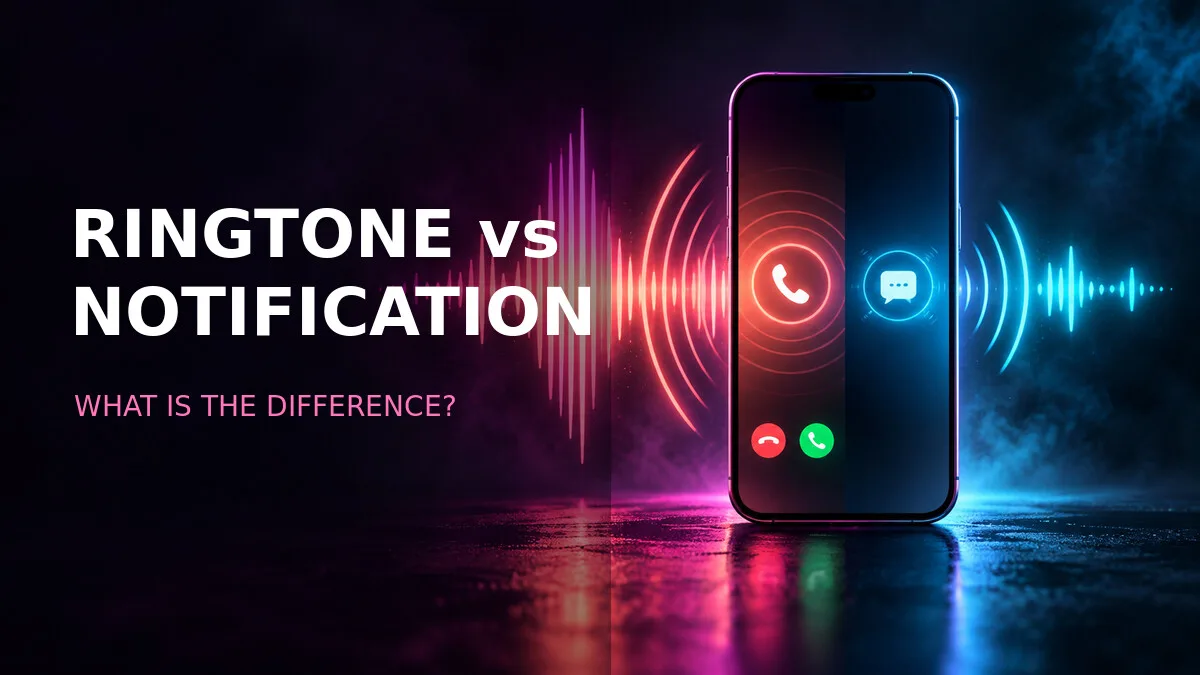
Your phone makes a lot of noises. Some mean "someone is calling you." Some mean "someone sent you a message." And some mean "your alarm is going off, get up." They all come out of the same speaker, they all live in the same Settings area, and it's genuinely confusing that changing one doesn't change the others.
Once you see the three jobs your phone's sounds do — calls, alerts, alarms — the whole system clicks into place. They're separate settings because they solve separate problems, and mixing them up is the reason most "my ringtone won't change" complaints exist.
Three sounds, three jobs
A ringtone normally plays for an incoming phone call and can continue for several seconds. It has time to be a melody, because it keeps playing until you answer or dismiss the call. A long, recognisable tune is fine here — even useful, because you might hear it from another room.
A notification sound is a much shorter alert used for messages, email, and app updates. It's a tap on the shoulder, not a song. It needs to be over almost as soon as you notice it, because it fires dozens of times a day and a long sound would drive you (and everyone near you) mad.
Alarm sounds are managed separately and are designed to get your attention for longer. An alarm has to wake you, cut through sleep, and keep going until you act. That's a different job from a ringtone — a ringtone can afford to be pleasant, but an alarm has to be effective.
Understanding which sound you're changing is half the battle. If you set a beautiful 30-second melody as your notification sound, every text message becomes a concert. If you set a one-second blip as your ringtone, you'll miss calls because it finished before you noticed it.
How long should each one be?
- Phone ringtone: about 15 to 30 seconds. Long enough to establish a melody or a spoken phrase, short enough to edit and loop cleanly. Most calls are answered or dismissed within that window anyway.
- Notification sound: about 1 to 5 seconds. A short blip, a soft chime, a single note. Anything longer becomes intrusive by the twentieth time you hear it in a day.
- Alarm sound: long enough to loop clearly. It needs to sustain without an awkward gap, because a gap makes the phone seem to have stopped ringing while the alarm is still active.
Short notification tones are easier to recognise and less disruptive. That's not just politeness — it's practical. A two-second tone your brain learns to associate with "message" is faster to process than a ten-second melody you have to wait through to identify. A ringtone can have a longer melody because it stops when you answer or dismiss the call, so the length never becomes a burden.
Changing them on Android
- Open Settings and choose Sound & vibration.
- Tap Phone ringtone to change incoming-call audio.
- Tap Default notification sound for general alerts.
- Open an individual app if you want a separate alert for that app.
- Preview the volume before saving.
Steps 2 and 3 sit right next to each other in the menu, and they're the classic mix-up. You change what you think is your ringtone, a call comes in, and the old sound plays — because you actually changed the notification sound. If that happens to you, don't assume the setting failed. Go back and check which of the two you actually changed.
Step 4 is where the real power is. Most apps let you set their own alert sound, separate from the system default. Your messaging app can have one tone, your email another, your bank app a third. That way you know what kind of message arrived without looking — and you can mute the noisy apps without silencing the important ones. On Samsung phones, this works through notification categories; on Pixel, through the app's notification settings. Either way, the per-app sound overrides the default for that app only.
Why the same file may not appear everywhere
Here's a quirk that confuses people: you download an MP3, it shows up in the ringtone picker, but it's missing from the notification sound picker. Or vice versa. Did something go wrong? No — Android organises audio into Ringtones, Notifications, and Alarms folders, and each picker mostly shows the contents of its own folder.
Moving an MP3 into the correct folder, then reopening Settings, can make it appear in the expected list. Want a file as a notification sound? Put it in Notifications. Want it as a ringtone? Ringtones. Want it as an alarm? Alarms. Same file, three folders, three different pickers. If a file is invisible in one picker, check which folder it's actually sitting in before assuming the download failed.
On some phones, the picker also has an "add" button that lets you browse to any file regardless of folder. But the folder method is the reliable one — it works on every Android version, on every manufacturer, with no hunting for a button that may or may not exist on your model.
Choosing sounds that work in real life
Use clear audio at a comfortable level. That sounds obvious, but the most common mistakes are all about ignoring context. Very loud effects, long dialogue clips, and copyrighted music can be unsuitable for public settings or redistribution.
Think about where your phone actually rings: in meetings, on public transport, in bed next to a sleeping partner. A ringtone that's a loud air-horn blast might be funny once and mortifying every time after that. A notification sound that's a ten-second dialogue quote from a movie will be funny exactly twice. And anything with private or sensitive words in it — names, jokes, inside references — will be heard by strangers sooner or later.
The best sounds are boring in the best way: distinct, recognisable, and inoffensive at any volume, in any room. A clean instrumental phrase, a soft chime, a short melodic motif. You'll hear it thousands of times. Choose something you won't hate by Thursday.
Give important apps their own alerts
Follow the per-app notification sound guide to find the relevant category on Pixel and Galaxy phones. The five minutes it takes to set up per-app sounds pays off every day: your bank alert sounds different from your group chat, your delivery update sounds different from a promo blast, and you can tell what needs your attention without picking up the phone.