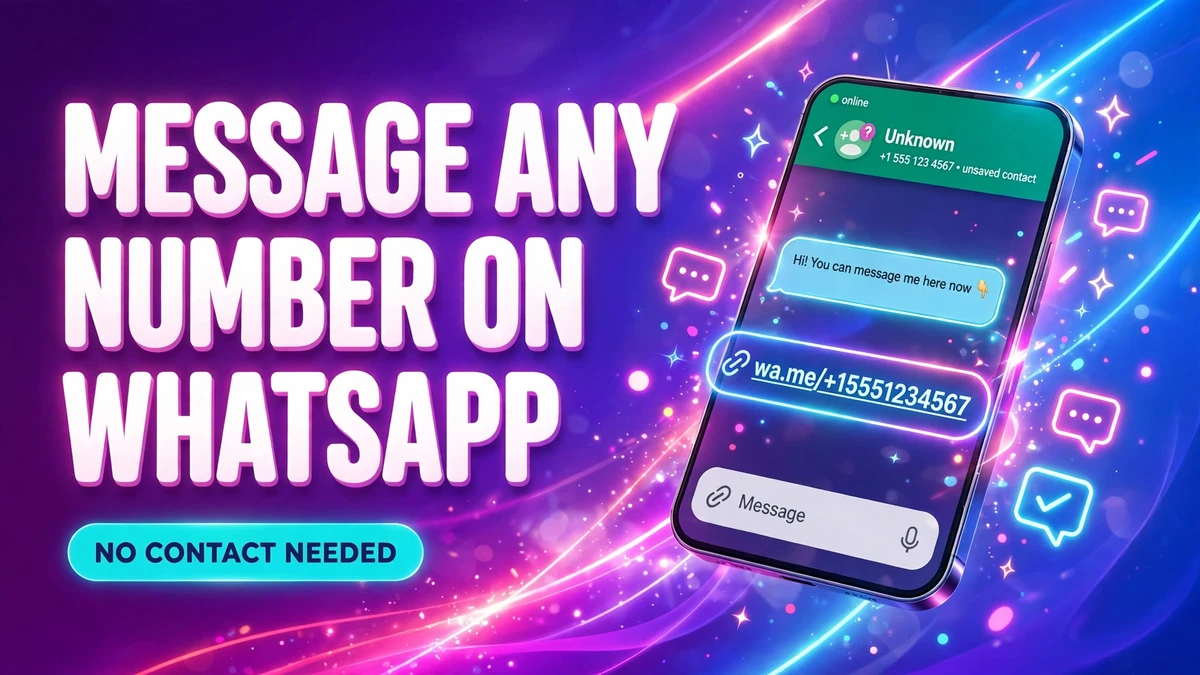
You need to message a delivery driver, a seller from a listing, or someone you will probably never talk to again — and you do not want another dead contact cluttering your address book. WhatsApp does not force you to save the number first. There are two official ways to open the chat, and both leave your contacts exactly as they are.
Search the number inside WhatsApp
This is the method most people miss, because it looks like the search bar only searches your contacts. It does not — WhatsApp's Help Center documents it under "Chat to someone not saved as a contact": type the number, and if it uses WhatsApp, you can open the chat straight away.
On iPhone:
- Open WhatsApp and go to the Chats tab.
- Tap New chat (the plus sign at the top right).
- Type the full phone number into the search bar.
- If the number uses WhatsApp, tap the number to open the chat.
On Android:
- Open WhatsApp and go to the Chats or Calls tab.
- Tap the search bar and type the full phone number.
- If the number uses WhatsApp, tap Chat next to it. The conversation opens.
Nothing is added to your contacts. The number only gets saved if you choose to: on Android, tap More options (three dots), then Add to contacts; on iPhone, tap the name or number at the top of the chat, then Create New Contact.
Use a wa.me link in any browser
Click to chat is WhatsApp's own feature for exactly this situation. WhatsApp's Help Center puts it plainly: it "allows you to begin a chat with someone without having their phone number saved in your phone's address book", and it works on your phone and on WhatsApp Web.
- Open any browser — Safari on iPhone, Chrome on Android, or the browser on your computer.
- In the address bar, type `https://wa.me/` followed by the full number in international format, with digits only. No plus sign, no spaces, no dashes, no brackets.
- Tap Continue to chat. WhatsApp opens with that person's chat ready.
For example, a US number like 1 555 123 4567 becomes `https://wa.me/15551234567`. A UK number like 07911 123456 becomes `https://wa.me/447911123456` — country code 44, then the number without its leading zero.
Add a ready-written message to the link
If you send the same opening line over and over — "Hi, is this still available?" to sellers, for instance — you can put the message into the link itself. Add `?text=` after the number, followed by your message with each space written as `%20`.
For example: `https://wa.me/15551234567?text=Hi%2C%20is%20this%20still%20available%3F`
When the chat opens, your words are already sitting in the message box. You can edit them before sending, or send as they are. You can also make a link with only a message and no number — `https://wa.me/?text=...` — and WhatsApp will ask you which contact to send it to after you tap it.
Message yourself, then tap the link
If the number is sitting on your computer screen or in an email, and you want the link saved somewhere you can tap it later, send it to yourself. Open your chat with yourself — tap New chat, search for your own name or number — paste the wa.me link and send it. It sits in your own chat as a tappable link, ready whenever you need it, and it syncs to your linked devices too.
On a computer, with WhatsApp Web
The same wa.me link works from a computer. WhatsApp's Help Center says click to chat works on WhatsApp Web as well as on phones, so paste the link into the browser tab where WhatsApp Web is already signed in and it leads straight to the chat there. That is the quickest route when the number is in a spreadsheet or an email on your screen.
Which method should you use?
| Method | Best when | What you need |
|---|---|---|
| Search inside WhatsApp | You are on your phone and the number is in front of you | Nothing extra |
| wa.me link | You are on a computer, or you want to share the link | Any browser |
| wa.me link with ?text= | You send the same opening message again and again | A URL-encoded message |
| Message yourself the link | You want the link saved for later use | Your own chat with yourself |
The in-app search is the fastest on a phone. The link is the most flexible: it works from any device, and it is the only method that lets you attach a ready-written message.
When it does not work
| What happens | Likely cause | The fix |
|---|---|---|
| No Chat option appears | The number is not on WhatsApp, or it was typed wrong | Re-type it in full international format, country code first and no leading zero |
| The wa.me link shows an error | A plus sign, space, dash or bracket slipped into the link | Digits only — country code, then the number |
| WhatsApp asks you to save the contact first | An old version of the app | Update WhatsApp from the App Store or Google Play, then try the search again |
| A safety check appears before the chat opens | Newer versions may ask you to confirm a chat with a number you have never messaged | Check the country and any groups you share shown on the screen, then tap Continue to chat or Cancel — the other person is not told what you chose |
| Messages stay on one tick | The person may have blocked you, or their phone is off | There is nothing to fix on your side — do not keep re-sending the same message |
This does not make you anonymous
Messaging without saving a number is about keeping your contacts tidy, not about hiding who you are. The other person sees your number and your profile photo exactly as in any normal WhatsApp chat — there is no sign on their side that you never saved them. If you do not want someone to have your number at all, WhatsApp is the wrong channel: call them instead, or use a number you are happy to share. And do not use these tricks to message lots of strangers at once — repeatedly messaging people who never reply is the behaviour WhatsApp's spam systems watch for, and accounts have been restricted for it.
FAQ
Can I send a WhatsApp message without saving the number?
Yes. Search the number in WhatsApp's new-chat search and tap Chat, or open a wa.me link with the number in international format in any browser. Neither method adds anything to your contacts unless you choose to save the number afterwards.
Do I need the country code?
For a wa.me link, yes — the number must be in full international format, country code first, with no plus sign, spaces or dashes. Inside WhatsApp, a local number typed as usual usually works, but adding the country code never hurts and is required for numbers from another country.
Does the other person know I did not save their number?
No. There is no indicator on their side. They simply receive a normal chat from your number, exactly as if you had saved them.
Can I call an unsaved number on WhatsApp?
Yes. Once the chat is open, the voice and video call buttons at the top of that chat work normally — you do not need to save the number to call it.
Can I message an unsaved number on WhatsApp Web?
Yes. Open the wa.me link in the browser where WhatsApp Web is signed in, and it opens the chat there. WhatsApp's Help Center confirms click-to-chat links work on WhatsApp Web as well as on phones.
What if the number is not on WhatsApp?
Then neither method opens a chat. Inside WhatsApp, the search shows an Invite option instead of Chat, and the wa.me link will not lead to a chat either. Double-check the number first — a missing country code or a kept leading zero is the most common reason a real WhatsApp number looks absent.
Related guides
- How to Use WhatsApp on Two Phones at Once
- How to Change Your WhatsApp Call Ringtone
- How to Turn Off Read Receipts on WhatsApp
- How to Hide Your Online Status on WhatsApp
Sources: WhatsApp Help Center — How to use click to chat, WhatsApp Help Center — How to find and invite contacts.