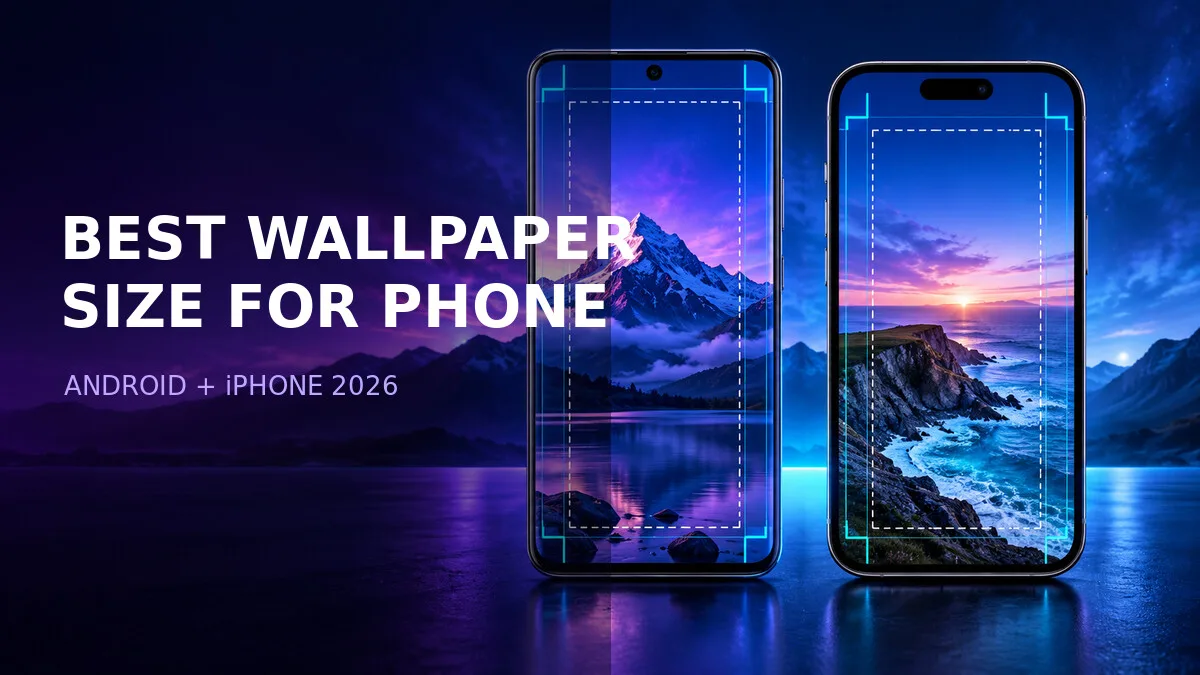
You've been there: you download a wallpaper that looks gorgeous in the preview, set it as your background, and it comes out soft, cropped weirdly, or zoomed in so far that the subject's face is cut in half. The image wasn't bad. The size was wrong for your phone.
The fix isn't complicated, but it isn't one number either. Phones have different screen shapes, and launchers crop differently. So instead of memorising a dimension, it helps to understand the two ideas that actually decide whether a wallpaper looks good: start with more pixels than you need, and keep the important stuff away from the edges.
Why extra pixels help
Treat 1080 pixels wide as an example starting point, not a universal requirement. More pixels give the phone room to crop without stretching. An image that only matches your screen dimensions leaves less room for cropping or launcher zoom. A larger source with real detail can provide that room without stretching a small image.
Why one size does not fit every phone
Phone screens use different aspect ratios. Some devices are close to 19.5:9 while others are taller — and a few are notably wider or narrower. Launchers may also zoom or shift a wallpaper when you swipe between home-screen pages, which is the parallax effect: the background slides slightly as you move, which means the phone needs extra image beyond the screen edges to slide into.
This is why important faces, text, or details should not sit against the edges. Whatever is near the border may be cropped, shifted, or covered depending on the phone, the launcher, and whether parallax is on. As a composition rule of thumb, leave spare space near the borders and keep the important subject closer to the centre. The actual crop depends on the device.
It also explains why a wallpaper that looked perfect on your old phone looks wrong on your new one. Different screen, different crop, different result — same file. The image didn't change. The frame did.
Recommended wallpaper dimensions
Use these as starting points, not gospel. If your phone has a higher-resolution screen, a larger, detailed source can give you more room to crop. Upscaling a small image does not create missing detail, and an unnecessarily large file is not automatically sharper.
| Source dimensions | Shape | Useful starting point for | Check before saving |
|---|---|---|---|
| 1080 × 1920 pixels | 9:16 portrait | Screens or compositions close to 9:16 | A taller screen may crop the sides |
| 1080 × 2400 pixels | 9:20 portrait | Many tall phone layouts | Keep faces and text inside the crop preview |
| 1440 × 3200 pixels | 9:20 portrait | A higher-resolution source with room to crop | Extra pixels help only if the source has real detail |
| Square photo | 1:1 | A source you can reframe | Preview a portrait crop or add background space |
These are composition examples, not official minimums for every Android phone or iPhone.
A square source can still work, but filling a tall screen may remove much of its width. Preview a portrait crop yourself so you control what gets cut. If the subject no longer fits, choose another source or place it on a taller background rather than stretching it.
For iPhones specifically, the exact ideal dimensions vary by model because screen sizes differ across the lineup. Rather than chasing a per-model table that goes stale every September, use the same rule: tall, at least 1080 wide, and preview the crop on your actual device. The preview is the truth; a spec table is a guess.
Keep the clock area readable
Leave a calm area near the upper third of a lock-screen wallpaper. Busy highlights behind the clock can make notifications hard to read. Dark gradients, sky, and soft blur usually work well — they give white clock text something quiet to sit on.
This is the part people forget when they fall in love with a dramatic image. A lightning storm or a neon cityscape looks incredible in the gallery, and then at 6 a.m. you can't read the time because the clock is sitting on a white lightning bolt. If you love a busy image, try it as a home-screen wallpaper instead, where there's no clock competing with it — or pick a version of the image with a calmer top third.
How to apply without losing quality
- Download the original image instead of taking a screenshot of its preview.
- On Android, open the wallpaper picker. On Pixel, touch and hold an empty part of the home screen, then choose Wallpaper & style and the option to choose a photo. Other manufacturers may use different labels.
- On iPhone, open Settings, then Wallpaper, Add New Wallpaper, and Photos.
- Select the downloaded file, preview the crop, and keep the subject away from the edges.
- Check the home screen and lock screen separately, then apply the wallpaper.
Start with the source file whenever it is available. A screenshot captures the displayed preview rather than the original source file and can include browser bars, status icons or an unwanted crop. Downloading the original preserves its source dimensions instead of limiting the file to the on-screen preview.
Step 5 matters because the two screens crop differently. A lock-screen preview and a home-screen preview can show surprisingly different crops of the same image. Check both before you hit save, or you'll fix the lock screen and break the home screen.
The one rule to remember
Start with more pixels than your screen needs. Cropping a large image normally stays sharp, but stretching a small image creates blur and visible blocks. If you only remember one sentence from this guide, make it that one.
And if your picture still looks too close after all this — like you're seeing a zoomed-in slice of the image rather than the whole thing — that's a different problem with a different fix. Use the wallpaper zoom and crop troubleshooting guide to distinguish a framing issue from a low-resolution source.
Frequently asked questions
Is 1080 × 2400 the correct wallpaper size for every phone?
No. It is a useful portrait example, not a universal specification. Screen dimensions, aspect ratio and wallpaper effects vary. Compare the crop on your phone before applying it.
Does a 4K wallpaper always look sharper?
No. A large file made by enlarging a small image can still look soft. Source detail, compression and the amount of cropping matter more than the label alone.
Why is my wallpaper zoomed in even when the file is large?
The wallpaper picker may fill a different screen shape by cropping, or an effect may shift the background. Try adjusting the crop and available effects. Use the wallpaper zoom troubleshooting guide if the subject still will not fit.
Can I use the same wallpaper on the lock screen and home screen?
Usually, yes, but preview both. The clock, widgets, icons and crop can differ between the two screens. On iPhone, the wallpaper picker offers a wallpaper pair or separate home-screen customization.
Official setup references
These references cover the setup controls; the dimension examples above are editorial starting points. Instructions were checked on 17 October 2026. Labels vary by device and software version.
Related downloads and guides
- Browse the mobile wallpaper collection and check the dimensions shown for the image you choose.
- Preparing a square profile picture instead? See the WhatsApp DP quality guide.