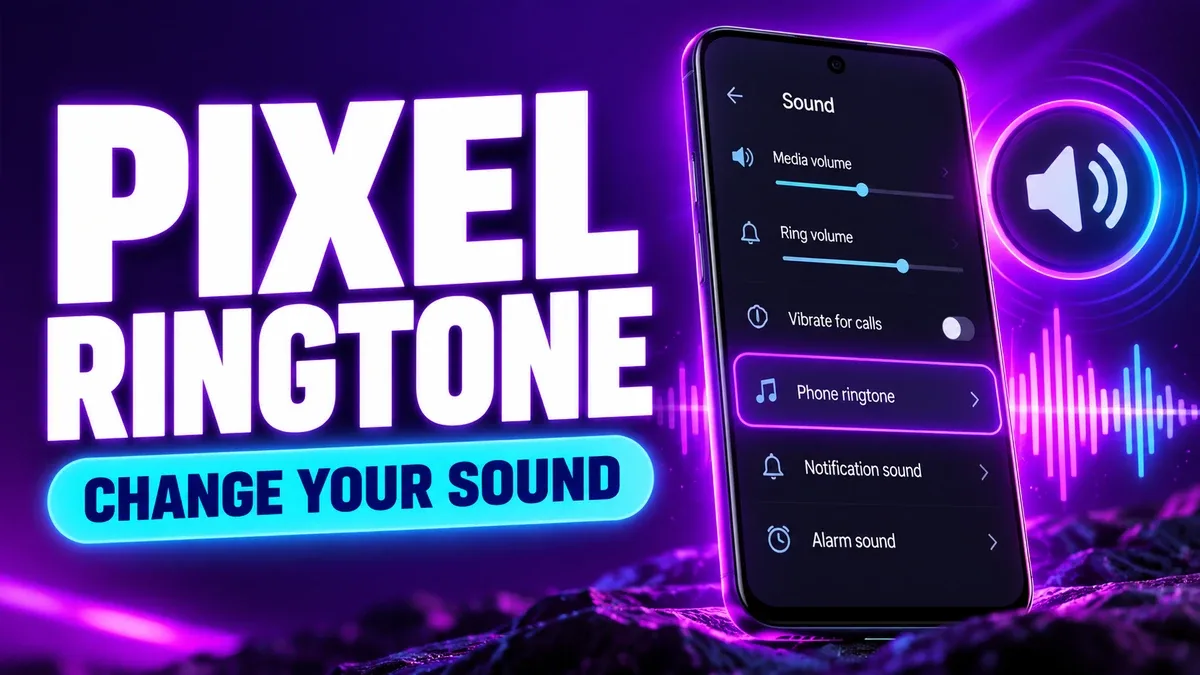
Every Pixel owner has the same first-week moment: someone calls, the default ringtone plays, and three people in the room check their phones. The stock Pixel ringtone is fine, but it's also everyone's ringtone. Changing it takes about a minute — unless you want to use your own downloaded MP3, in which case there's one folder trick that makes all the difference.
One thing to sort out before you start: the phone ringtone is for incoming calls only. Notification alerts and alarms have separate sound settings, in separate menus. If your downloaded MP3 is intended for a call, start with the phone ringtone selector. Choosing it in Clock will only affect an alarm, and choosing it as a notification sound will only affect alerts. Pick the right door first and the rest is easy.
Changing the default incoming-call ringtone
- Open Settings on your Pixel.
- Open Sound & vibration, then Phone ringtone or the phone ringtone setting shown on your device.
- Preview a sound and save your selection. If your version shows My Sounds or an add control, use that to choose a local file.
- Have someone call you once to check the actual incoming-call volume and sound. Keep the volume comfortable while testing.
Google's Pixel sound settings guide is the reference for the device-specific controls. Settings labels can change with Android releases, so if your screen doesn't match this guide, use the Settings search box — type "ringtone" and let the phone take you to the right screen instead of hunting through menus from memory.
Step 4 is the one people skip, and it's the one that matters. Previewing a ringtone in Settings plays it at preview volume through the speaker. A real incoming call can sound different — quieter, louder, or routed through a Bluetooth device you forgot was connected. One real test call tells you more than ten previews.
Adding an MP3 you downloaded
First, preview and download an instrumental ringtone from a source you are allowed to use. Open Files, locate the MP3, and check that it plays. If it plays fine but the ringtone picker doesn't offer it, here's the trick: place a copy in the phone's Ringtones folder in internal storage, then revisit the sound setting.
Google explicitly documents copying an MP3 to that folder when transferring a ringtone from a computer. The Files by Google instructions explain how to copy a file into a folder on the phone. In practice: open Files, find your MP3 in Downloads, copy it, navigate to Internal storage > Ringtones, paste it. If there's no Ringtones folder, create one with exactly that name. Then open the ringtone picker again — the file should now be listed.
A few traps to avoid here. Do not rename an arbitrary audio format to ".mp3" to make it work; the extension does not convert the file, and a renamed file will either fail to play or confuse the picker. If you have a WAV or M4A, convert it properly or pick an MP3 to begin with. And keep the original file somewhere you can find it again — if you delete the only copy after moving it into Ringtones and later clear that folder, you'll be downloading it twice.
Also worth knowing: the picker caches its list. If you copied the file and it still doesn't show, back out of Settings completely and reopen it rather than staring at the same list. A fresh visit to the picker usually refreshes what it shows.
Giving one contact a different sound
This is the feature that makes people think their ringtone change "didn't work." You set a new default ringtone, then your partner calls and the old sound plays. Nothing broke — that contact simply has their own ringtone assigned, and a contact-specific choice overrides the general one.
To set one: open Contacts, choose the person, open the More menu, and choose Set ringtone, then save. That contact's calls will now play that sound no matter what your default is.
It's genuinely useful — a distinct ringtone for your partner, your parents, or your boss means you know who's calling before you look at the screen. Just remember it exists when you're troubleshooting. If one person's calls sound different from everyone else's, check their contact ringtone before you start resetting defaults. Google lists this workflow in its Pixel help page. For a more detailed walkthrough, see different ringtone for one contact.
When a change you made seems silent
Work through these before assuming the setting failed:
- Check that the phone is set to ring, not vibrate or mute, and raise the Ring & notification volume slider. A ringtone can't be heard if the phone isn't in ring mode.
- Call from a number without a contact-specific ringtone to test the default setting. If that call sounds right, your default is fine — the odd one out is a contact override.
- Confirm the MP3 still exists in local storage and can play in Files. If you removed it, choose a built-in ringtone and then add the file again.
- If you hear an alert instead of a call ringtone, check Default notification sound separately. You may have changed the notification sound thinking it was the ringtone — the two menus sit close together, and it's an easy mix-up.
One more scenario: the ringtone plays fine in Settings but calls go to a Bluetooth speaker or your car. Check your connected devices. Android routes call audio to the last-used output, and a forgotten Bluetooth connection in another room is a surprisingly common reason for "my ringtone stopped working."
For more general Android troubleshooting, use ringtone not working or downloaded ringtone not showing.
Reviewed source: Google Pixel Phone Help. The sequence above is based on Google's documentation and can differ by Android version.