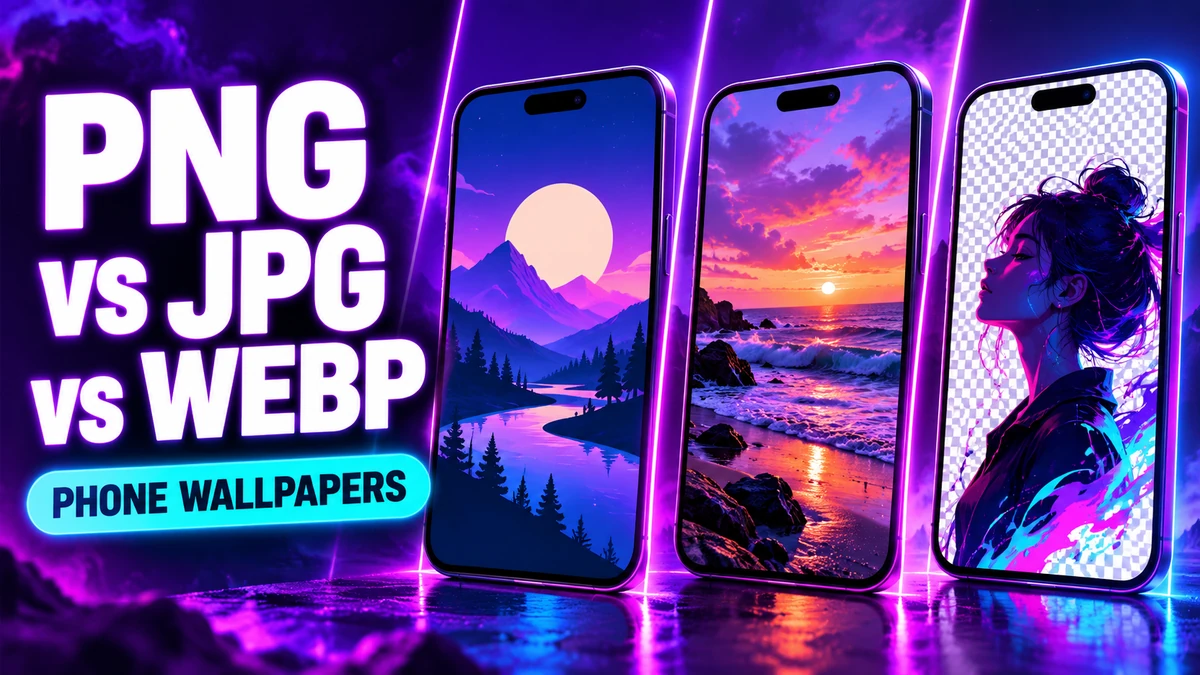
The quick choice
For a photographic or richly shaded wallpaper, JPG is a practical download format. For a graphic that needs transparent areas or very sharp flat-colour edges, PNG is useful. WebP is a good web delivery format when the receiving app supports it. The best choice depends on the actual image and where you will use it; changing only the filename extension does not convert the pixels.
- JPG/JPEG: Useful for photos and detailed gradient artwork. Lossy compression can soften tiny letters and high-contrast edges, and the format has no alpha transparency.
- PNG: Useful for crisp flat graphics and images where transparent pixels matter. A photo-sized PNG may use much more storage than an efficiently encoded JPG or WebP.
- WebP: Useful for efficient website delivery and previews. Before using a WebP download as your phone wallpaper or DP, confirm that your phone and the target app can open it.
MDN's image format guide explains the format capabilities and browser support. A website can serve an optimized preview while offering a different original download. Look at the actual downloaded file, not only the preview URL.
Quality is more than an extension
Check pixel dimensions, crop and source quality. A tiny image saved again at a larger pixel size cannot recover missing detail. Aggressive JPG compression can create blocks around text and fine lines. A high-resolution source can still look poor if its subject is warped or its design does not leave room for a phone clock.
When setting a wallpaper, keep the image's important detail away from areas occupied by a clock or app icons. Use the phone's crop preview. See best wallpaper size and wallpaper zoomed in fixes for practical sizing advice.
A WhatsApp DP has a different job
A profile image is usually seen very small and often inside a circular crop. Keep the face or main symbol centered with breathing room. Transparency may not survive every app's processing, and the app can recompress whatever you upload; use its preview instead of promising a particular exported quality. Our WhatsApp DP quality guide and DP collection offer examples.
A simple export check
- Keep the original project or source image. Export a copy in the format you want.
- Open the exported file at actual size and inspect fine edges, gradients and dark regions.
- Compare dimensions and file sizes. For a photo-like image, test JPG and WebP; for a transparent graphic, test PNG and WebP.
- Test the file in the actual phone wallpaper or profile-picture picker before publishing it as a download.
For wallpapers, Sleek Ringtones detail pages list the available original format and dimensions. Download from the individual page so you can see the actual file and personal-use terms. The format alone is never a guarantee of visual quality.