ORIGINAL WALLPAPER · FREE PERSONAL USE
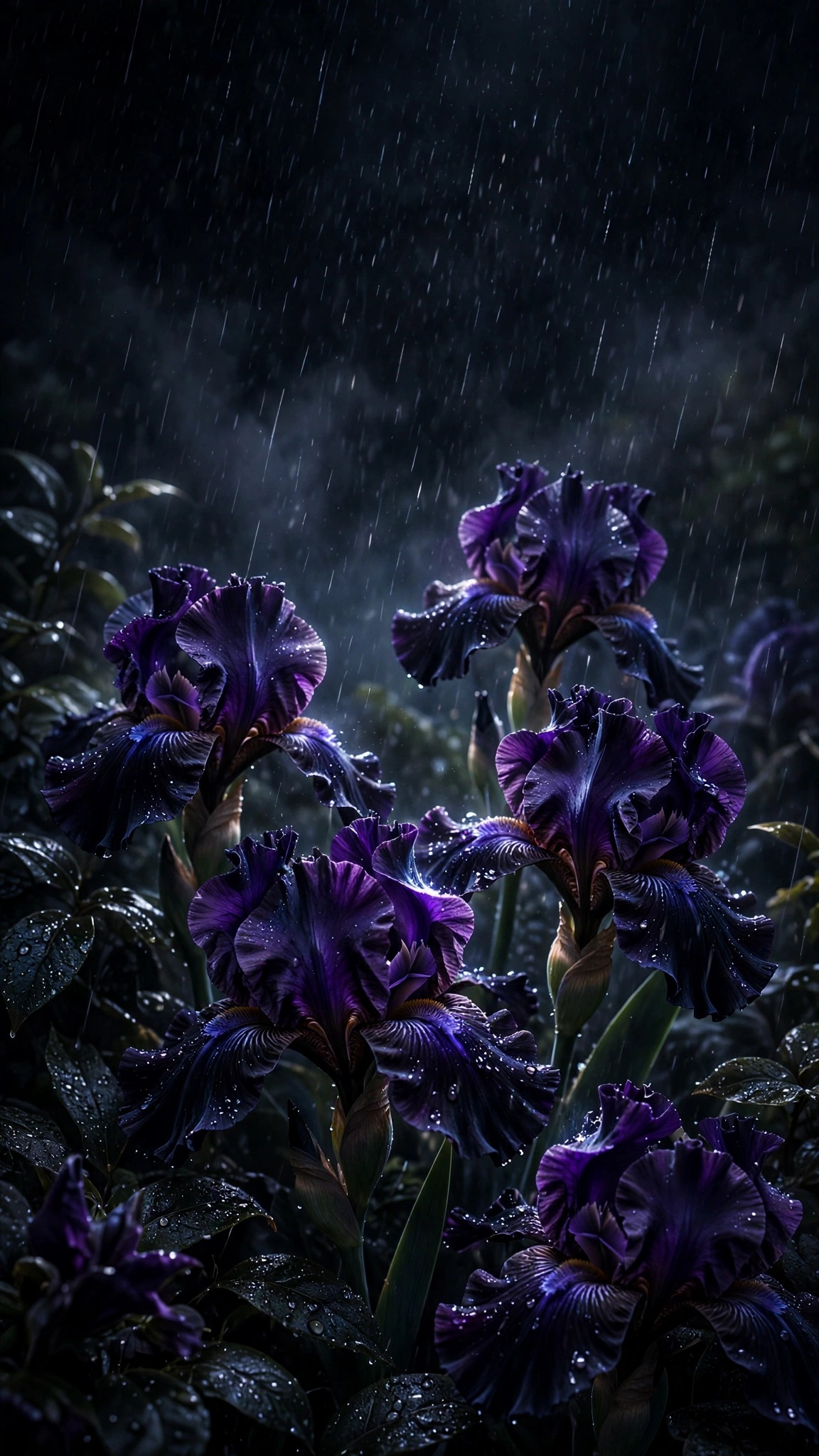
Midnight Black Iris Rain Wallpaper
Velvety near-black iris flowers with a deep violet sheen stand in midnight rain, droplets beading on ruffled petals.
↓ Download original JPGOriginal Sleek Ringtones artwork. Free for personal profile or device use. Do not resell or redistribute as a competing download library.
HOW TO USE
Set it as your phone wallpaper
- Download the original HD image.
- On Android, open Wallpaper & style; on iPhone, open Settings → Wallpaper → Add New Wallpaper. Menu names vary by device.
- Choose the image and preview the crop.
- Apply it to the home screen, lock screen or both.
YOU MAY ALSO LIKE


